
Retro CRT display
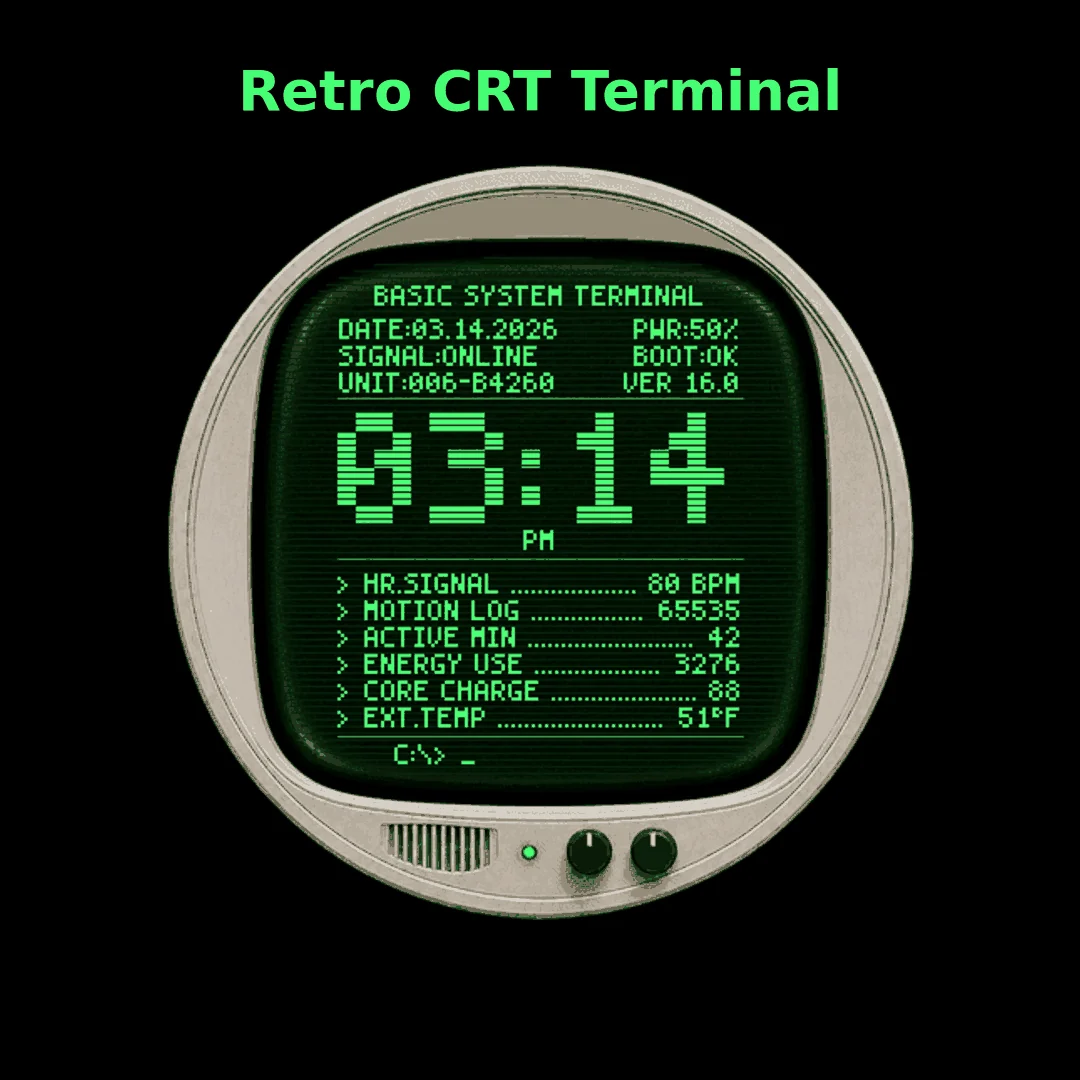
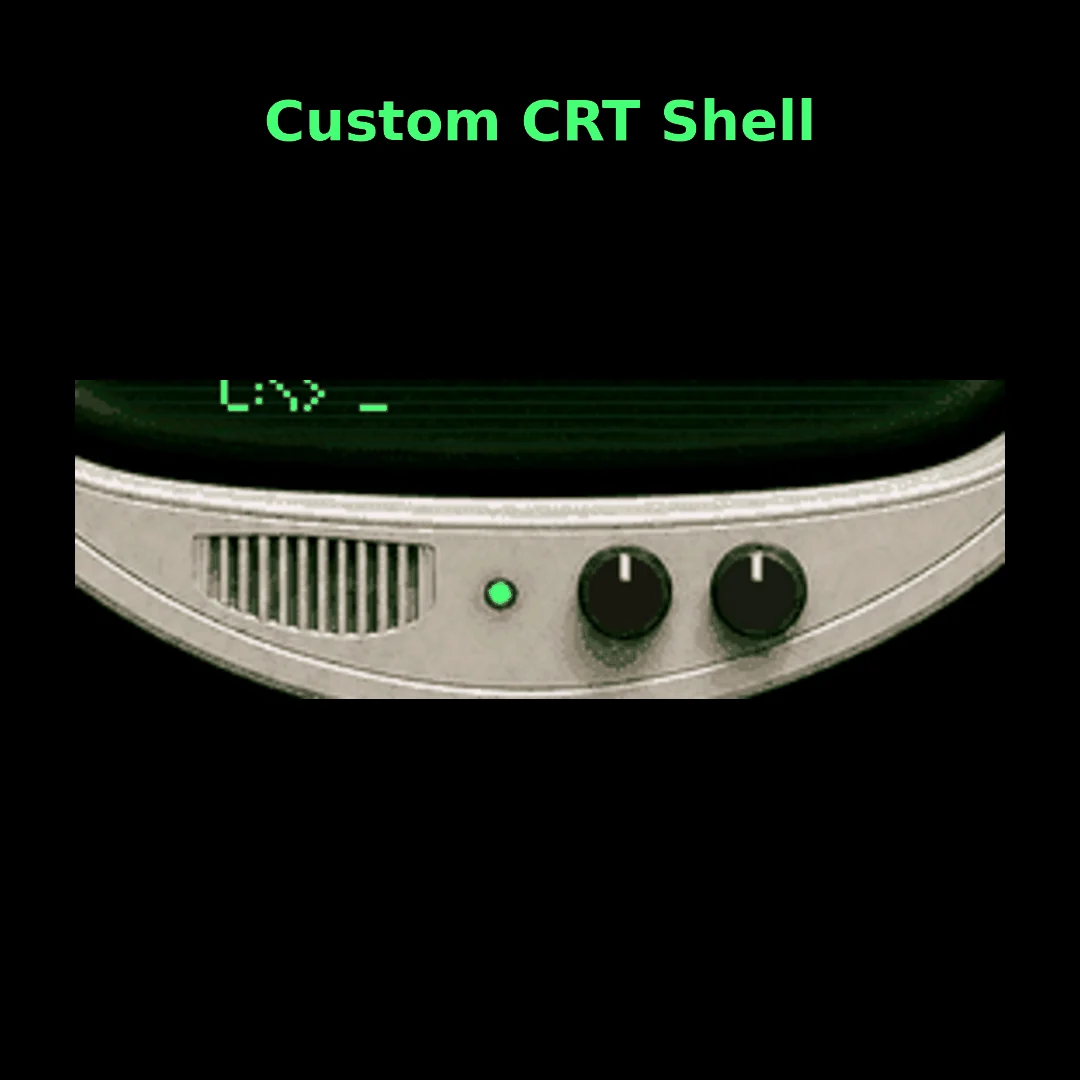
A custom shell, rounded glass effect, scanlines, green phosphor styling, power light, vents, and physical controls make the watch feel like a miniature terminal.
A retro CRT-inspired Garmin watch face for select round AMOLED Garmin watches, with a glowing diagnostic readout, standby mode, and a touch-and-hold warm boot sequence.
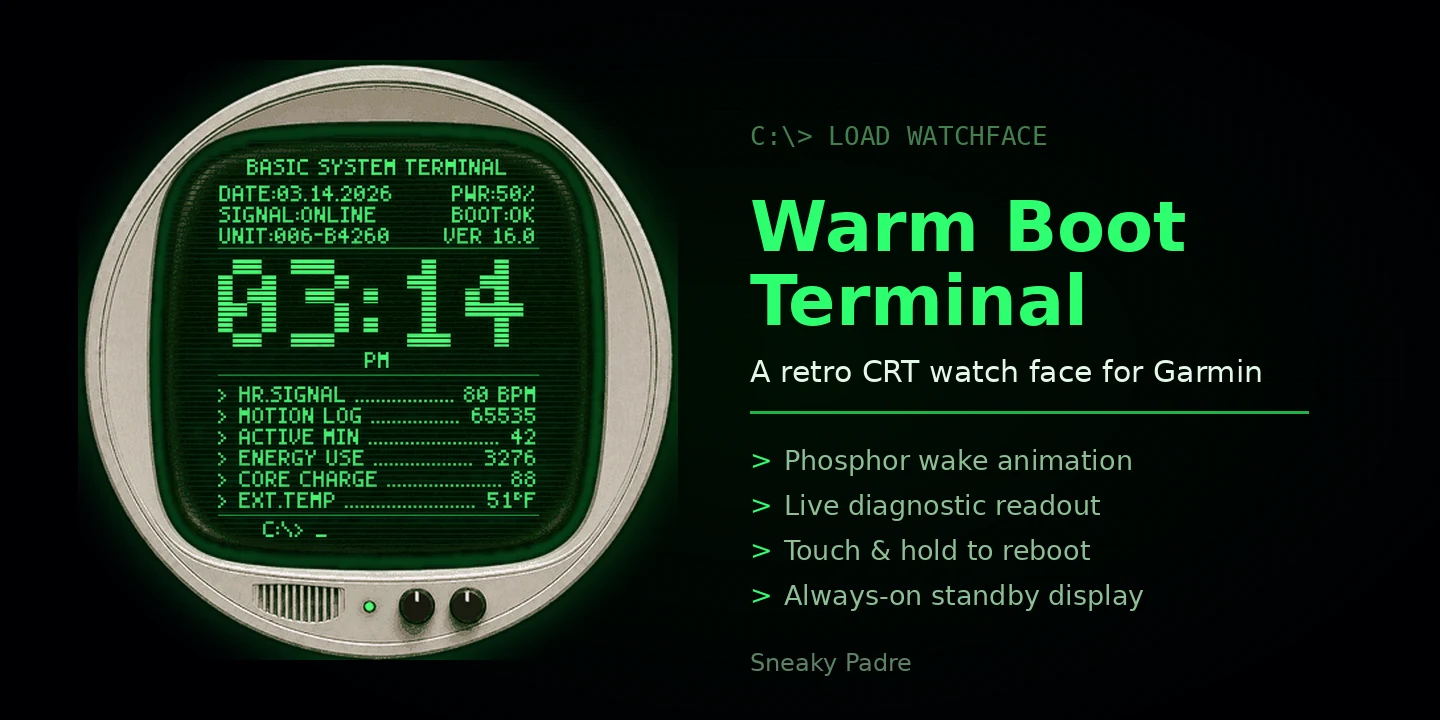
Warm Boot Terminal turns a Garmin watch face into a compact green-screen system display. The layout keeps the time big and practical, then surrounds it with diagnostic-style watch data, scanline texture, CRT glow, and a custom monitor shell built for a round AMOLED display.
It is designed to feel atmospheric without getting in the way. Raise your wrist to wake the display, watch the phosphor glow settle in, then long press the face to replay the warm boot sequence.
Every element is drawn for a round AMOLED display, so the terminal styling never costs you legibility.
A custom shell, rounded glass effect, scanlines, green phosphor styling, power light, vents, and physical controls make the watch feel like a miniature terminal.
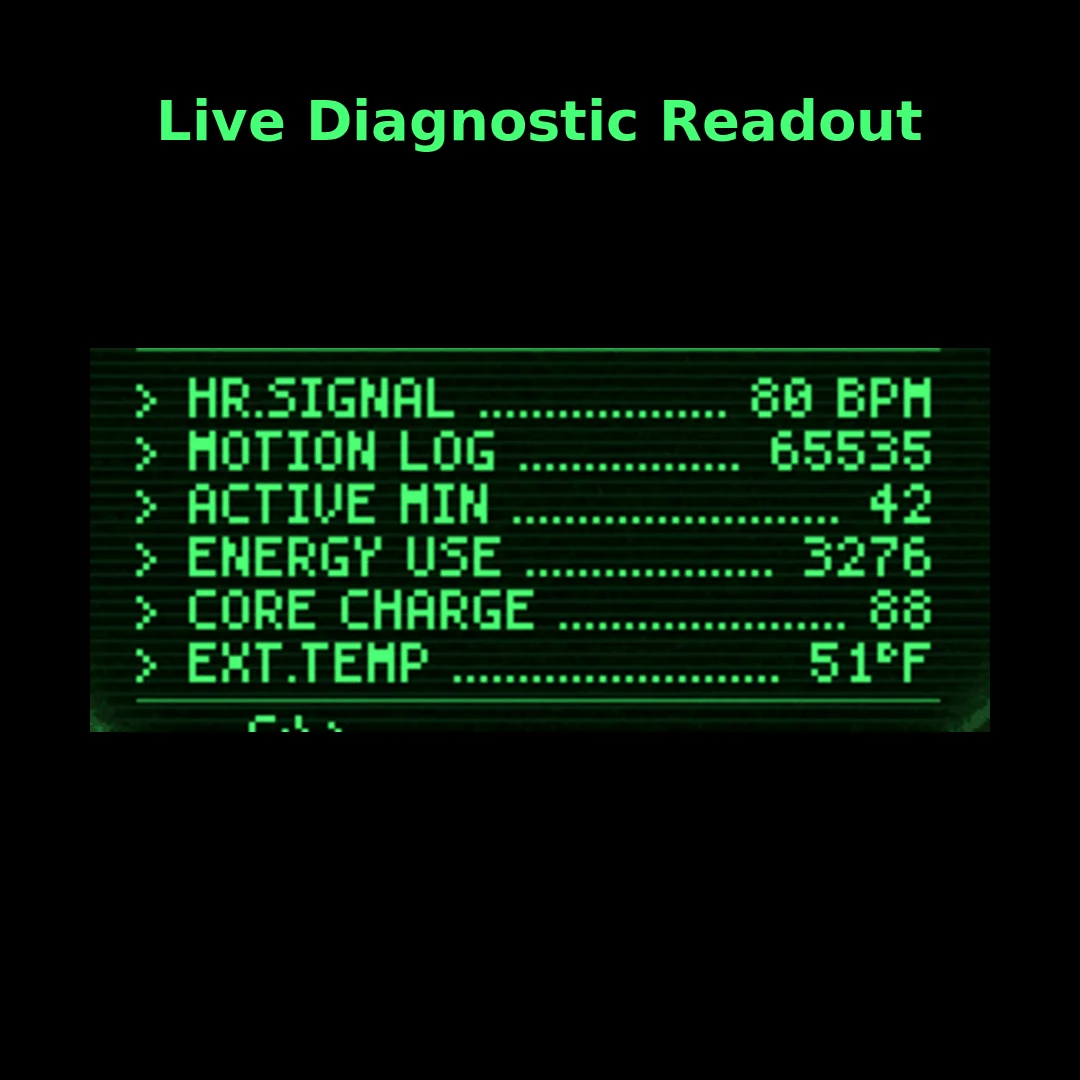
Key watch data appears as a terminal-style system report, including heart rate, motion log, active minutes, energy use, core charge, external temperature, power, signal, and boot state.
The central time display stays oversized and readable, even with the extra visual detail around it.
Touch and hold the watch face to replay the boot animation.
When the display wakes, the screen glow and CRT styling come alive in high-power mode.
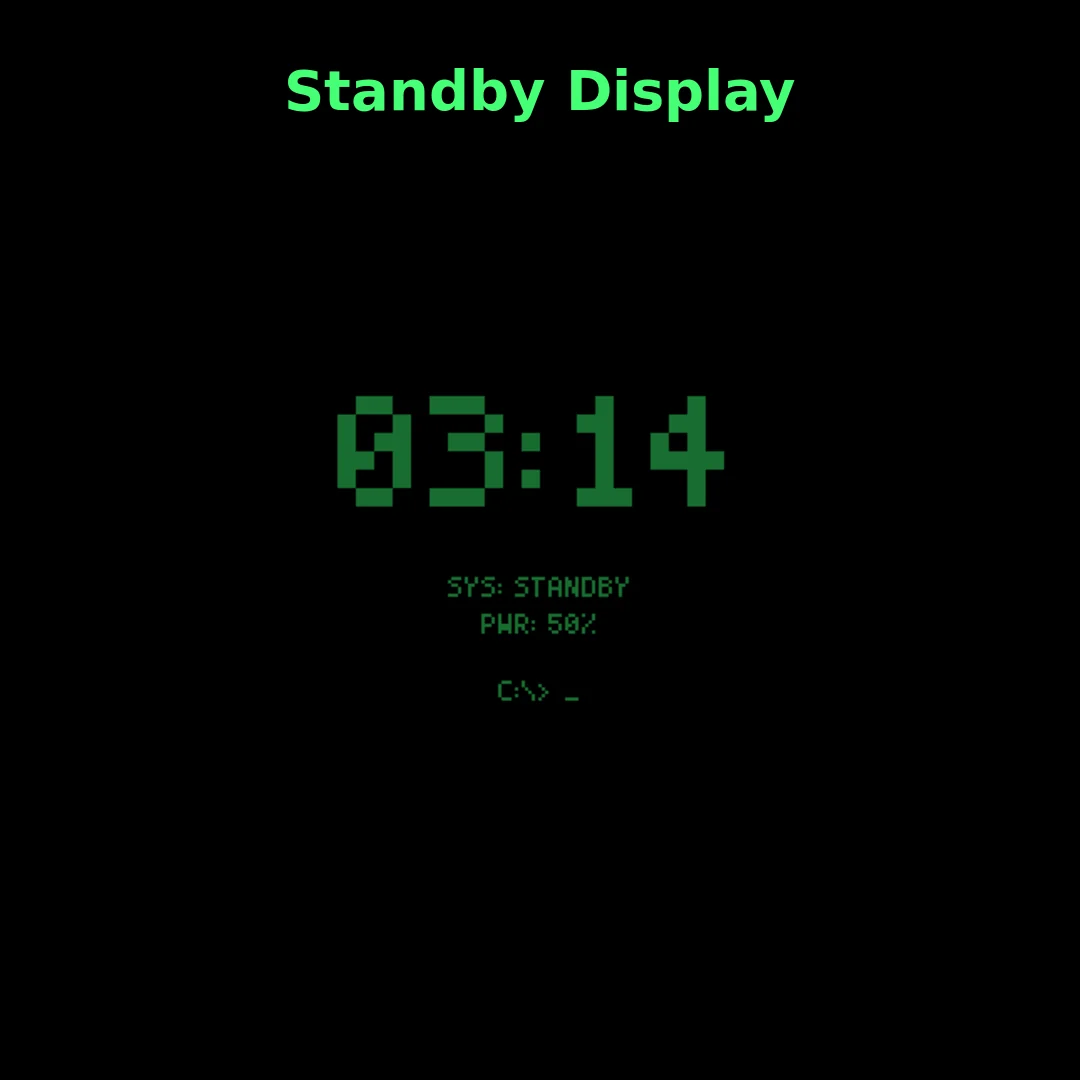
Always-on mode switches to a simplified standby readout with the time, power, and command prompt.
Warm Boot Terminal uses playful terminal-style labels while keeping the meaning obvious at a glance.
| Label | Meaning |
|---|---|
HR.SIGNAL | Heart rate |
MOTION LOG | Steps |
ACTIVE MIN | Active minutes |
ENERGY USE | Calories |
CORE CHARGE | Body Battery — your personal energy reserve |
EXT.TEMP | Weather temperature |
PWR | Watch battery |
SIGNAL:ONLINE | Thematic system status indicator |
BOOT:OK | Thematic boot state indicator |
Captured on a Garmin Venu 3.
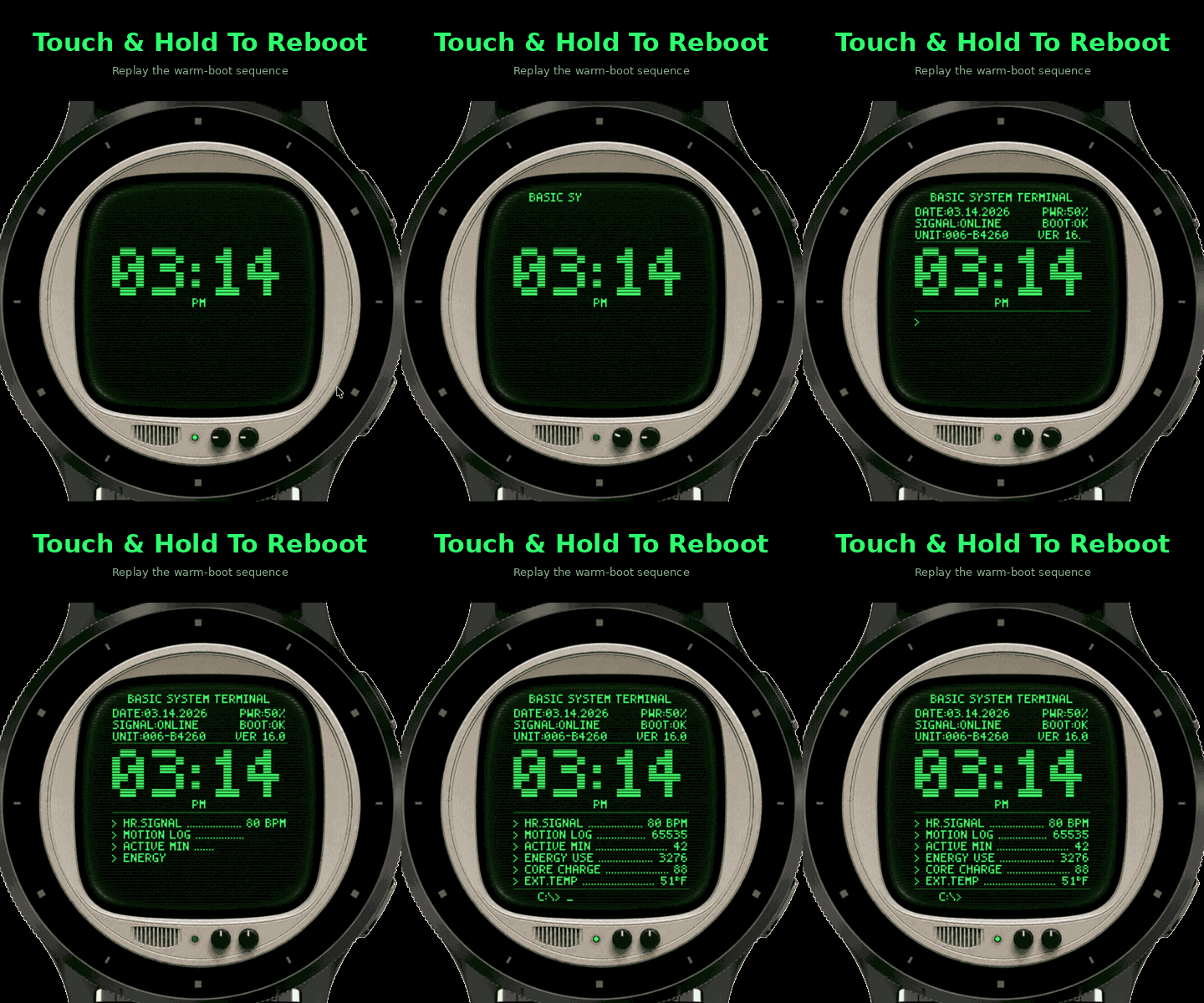
The phosphor glow and warm boot sequence are easier to show than to describe.
Warm Boot Terminal is available for select round AMOLED Garmin watches through the Garmin Connect IQ Store.
Supported devices include:
Because Garmin compatibility can change over time, the Connect IQ listing is the source of truth for current device support.
| Platform | Garmin Connect IQ |
|---|---|
| Display type | Round AMOLED |
| Developed and tested on | Garmin Venu 3 |
| Always-on display | Supported |
| Companion app | Not required |
| Extra hardware | Not required |
Warm Boot Terminal is available on the Garmin Connect IQ Store for $2.99.
Price: $2.99
Get it on Garmin Connect IQ (opens in a new tab)
For help with Warm Boot Terminal, email support@sneakypadre.com with your Garmin model, app version, and a short description of the issue.